





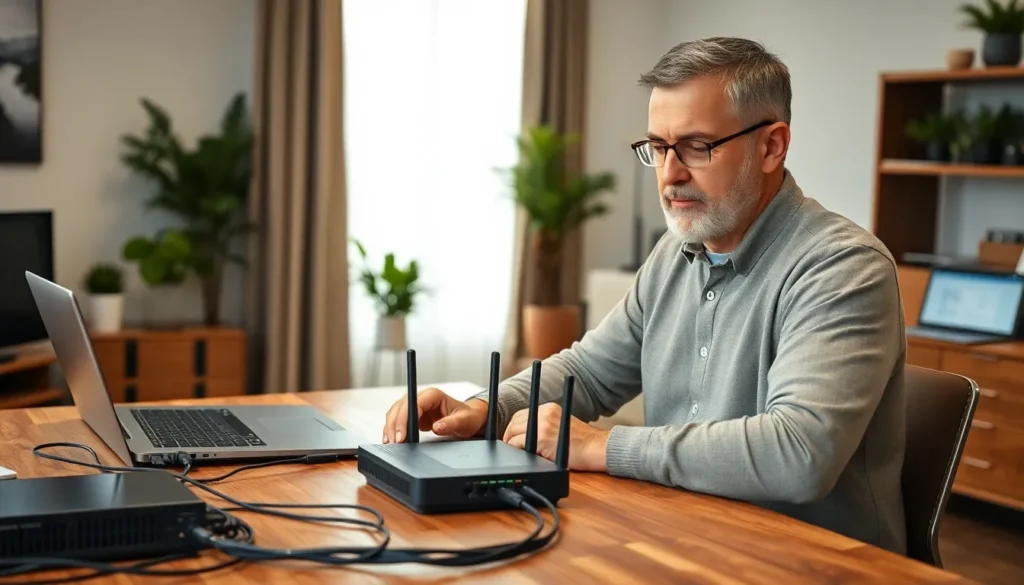
In today’s digital age, a reliable home network is as essential as a good cup of coffee—without it, chaos reigns. Whether it’s streaming the latest series, video chatting with grandma, or battling it out in online games, a solid home networking setup keeps everything running smoothly. But let’s face it, setting up that network can feel like trying to assemble IKEA furniture without the instructions.
Overview Of Home Networking Setup
A home networking setup connects multiple devices within a residence, allowing efficient data exchange and internet access. This setup typically involves key components such as a modem, router, and various connected devices. Reliable performance hinges on the choice of equipment and how it’s configured.
Modems provide access to the internet from the service provider. During the setup, placing the modem in a central location ensures widespread coverage. Routers then distribute the internet connection wirelessly or through Ethernet cables. Using a dual-band or tri-band router can enhance performance for simultaneous streaming, gaming, and browsing.
Connected devices include smartphones, laptops, smart TVs, and gaming consoles. Each device taps into the network to communicate with others and access online content. Ensuring a secure network is essential, as it protects personal data and minimizes unauthorized access.
Setting up a home network involves several steps. First, select a reliable internet service provider that meets usage needs. Next, choose network equipment based on the size of the home and number of connected devices. Configure the router’s settings by creating a strong password and enabling network encryption.
Regular maintenance is crucial for optimal performance. Updating firmware on the router enhances security and performance. Monitoring the network periodically can identify connectivity issues or intrusions, ensuring a robust home networking environment.
Essential Components
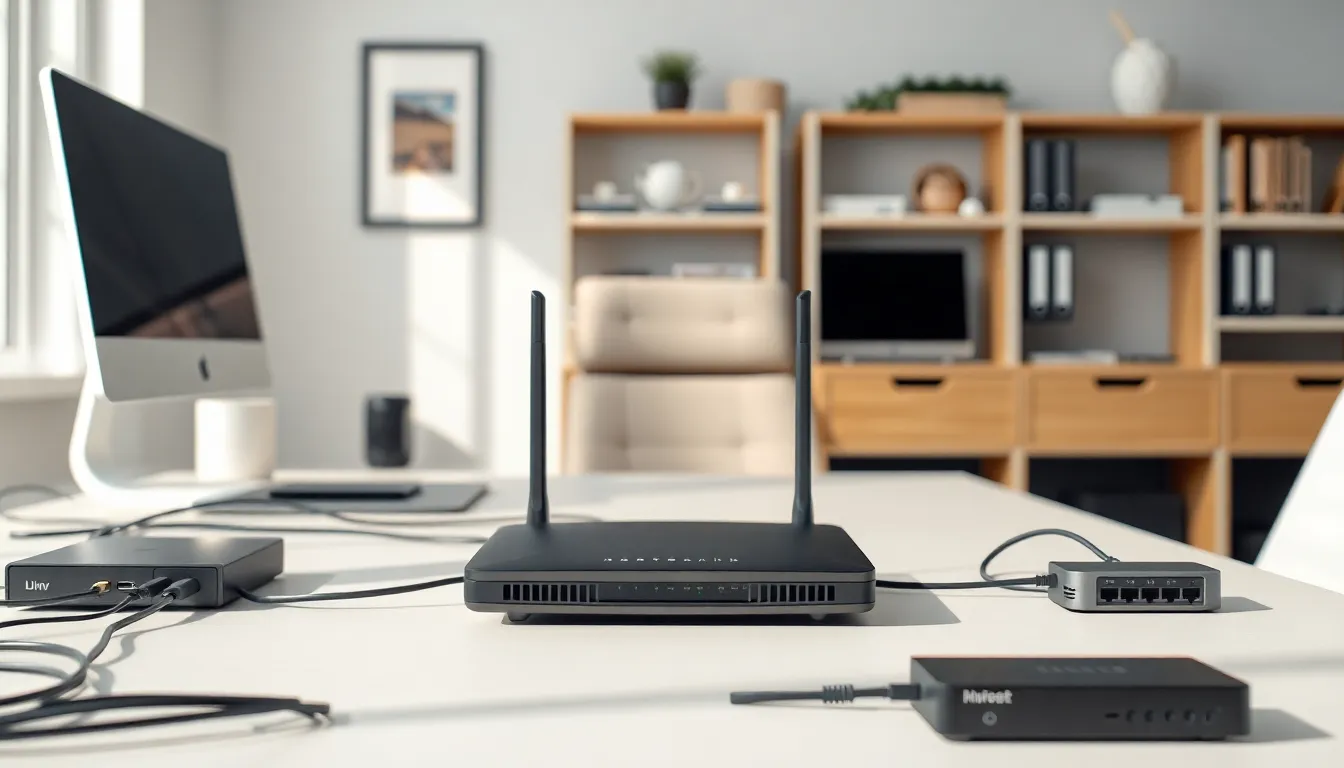
Essential components form the backbone of a reliable home network. Each part plays a significant role in ensuring smooth connectivity and performance.
Router Selection
Selecting the right router significantly impacts network efficiency. Routers vary in speed and range, so he should consider a dual-band or tri-band model for better performance in larger homes. Features like Quality of Service prioritize bandwidth for activities such as streaming and gaming. Researching brands and comparing user reviews helps narrow down choices. Always check for the latest technology standards, like Wi-Fi 6, to future-proof the setup.
Switch and Access Point
Switches expand network connectivity, allowing multiple devices to connect seamlessly. These devices distribute traffic effectively, particularly in homes with a large number of wired connections. Access points extend wireless coverage, reaching dead zones. When multiple floors or rooms exist, deploying additional access points ensures stable connections throughout the home. He should assess the specific needs of the household to determine the appropriate number and placement of these components.
Network Cables
Using quality network cables enhances data transmission speeds. Ethernet cables, particularly Cat 6 or Cat 7, support high-bandwidth activities and minimize interference. Connections between devices provide reliability that wireless signals can’t guarantee. He should measure distances to determine the required cable lengths, avoiding excess slack while ensuring sufficient reach. Professionally crimped cables can prevent connectivity issues, making installation more straightforward and efficient.
Setting Up Your Network
Setting up a home network requires careful planning and precise execution. Successful connectivity relies on an organized approach to layout.
Planning Your Layout
Consider the size and shape of the home when planning the layout. Optimize the placement of the modem and router for maximum coverage. Position the router in a central location to strengthen signal strength throughout the residence. Identify areas with high device usage, such as living rooms or home offices. Taking note of obstacles like walls or furniture can help avoid weak spots. Visualize the optimal routing for cables to maintain a tidy space and improve aesthetics.
Configuring The Router
Configuring the router forms the backbone of network security and performance. Start by accessing the router’s settings through a web browser. Change the default username and password to enhance security. Choose a strong password and enable WPA3 encryption whenever possible. Adjust the Wi-Fi network name to something recognizable while avoiding identifying personal information. Implement Quality of Service settings to prioritize bandwidth for devices performing high-demand tasks. Regularly check for firmware updates to ensure the router’s performance and security stay up to date.
Connecting Devices
Connecting devices serves as the final step in establishing the home network. Begin by identifying all devices requiring access, including smartphones, laptops, TVs, and smart home gadgets. Prioritize wired connections for stationary devices like desktops or gaming consoles for enhanced speed and stability. During the wireless connection process, select the correct Wi-Fi network and enter the provided password. Assign static IP addresses if needed for specific devices to maintain consistent connectivity. Monitor connected devices to troubleshoot issues and manage bandwidth usage effectively.
Common Troubleshooting Tips
Addressing common home networking issues often requires straightforward solutions. First, if internet connectivity drops, restarting the modem and router can resolve many problems. Unplugging the devices for 30 seconds before plugging them back in refreshes the connection.
Overloading the network can slow it down. Checking the number of connected devices ensures that the network isn’t overwhelmed. Disconnecting unnecessary devices frees up bandwidth for critical applications like streaming or gaming.
Interference from other electronics may disrupt wireless signals. Identifying potential sources of interference, such as microwaves or cordless phones, helps improve performance. Moving the router away from these devices optimizes signal strength and network reliability.
Adjusting the router settings can lead to better performance. Accessing the router’s configuration page allows users to change the Wi-Fi channel, especially if connections seem slow during peak usage times. Switching to a less crowded channel enhances wireless signal quality.
For persistent connectivity issues, it’s beneficial to run a speed test. Measuring speed reveals whether the internet service provider meets expectations. If speeds are significantly lower than advertised, contacting the provider for assistance is advisable.
Lastly, ensuring the firmware is up to date is crucial. Regular updates fix bugs and improve security features. Checking the router’s manual or the manufacturer’s website provides guidance on performing these updates.
Using these troubleshooting tips can significantly enhance the home networking experience, facilitating smoother streaming, gaming, and everyday online activities.
Best Practices For Home Networking
Establishing a strong home network requires careful consideration of various factors. One effective strategy involves positioning the router centrally in the house, enhancing signal strength for all connected devices. Avoiding physical obstacles, like thick walls or large furniture, helps maintain optimal performance.
Prioritizing the right equipment improves overall functionality. Selecting a dual-band or tri-band router supports numerous devices simultaneously, making online activities like streaming and gaming more efficient. Quality of Service settings play a crucial role in managing bandwidth, ensuring high-demand applications receive sufficient resources.
Implementing security measures protects personal data from unauthorized access. It’s important to change default router passwords and enable WPA3 encryption to safeguard the network. Regularly updating firmware enhances both security and performance.
Monitoring network health is vital for maintaining connectivity. Restarting modems and routers can resolve intermittent issues quickly. Keeping track of the number of connected devices prevents network overload, enabling a seamless experience for everyone.
Adjusting router settings optimizes performance further. Changing Wi-Fi channels can mitigate interference from neighboring networks, providing a more stable connection. Conducting periodic speed tests ensures the internet service provider meets speed expectations.
Incorporating quality network cables, such as Cat 6 or Cat 7, maximizes data transfer rates for wired connections. Employing switches allows for additional devices without sacrificing performance, while access points can extend wireless coverage, particularly in larger layouts.
A well-structured home network is essential for seamless connectivity in today’s digital landscape. By carefully selecting equipment and implementing best practices, anyone can create a reliable setup that supports multiple devices and activities. Prioritizing security and regular maintenance ensures that the network remains efficient and protected.
With the right tools and knowledge, setting up a home network can transform the way individuals interact with technology, making streaming, gaming, and communication more enjoyable. Embracing these strategies leads to a smoother online experience, allowing users to fully harness the potential of their digital devices.