





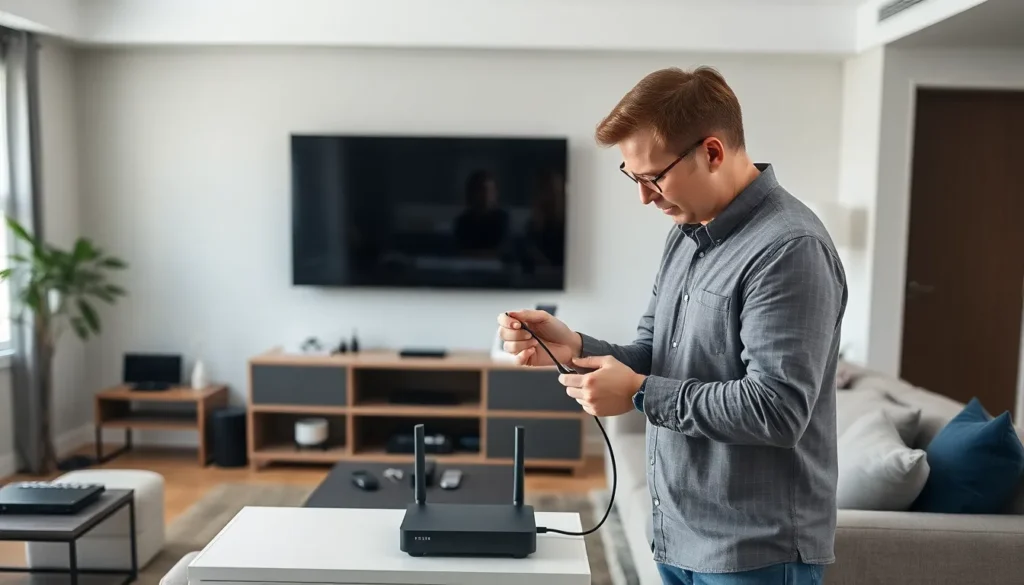
In today’s digital age, a strong home network isn’t just a luxury; it’s a necessity. Whether streaming the latest binge-worthy series or video calling grandma, a reliable connection keeps the chaos at bay. But let’s face it: navigating the maze of routers, cables, and Wi-Fi extenders can feel like trying to solve a Rubik’s cube blindfolded.
Fear not! Home networking installation doesn’t have to be a daunting task. With the right guidance, anyone can transform their tech setup from a tangled mess into a seamless web of connectivity. Imagine zipping through your favorite online games or hosting virtual movie nights without a hitch. It’s time to say goodbye to buffering and hello to a home network that works as hard as you do.
Overview of Home Networking Installation
Home networking installation involves several key components, ensuring seamless connectivity throughout the residence. A router acts as the central hub, facilitating communication between devices and managing internet access. Ethernet cables connect devices directly to the router, offering stable and faster connections, especially for gaming or streaming.
Wireless access points extend coverage in larger homes. They eliminate dead zones, allowing devices to connect throughout various spaces. Mesh networking systems provide an alternative, consisting of multiple nodes working together to blanket an entire area with Wi-Fi. Their seamless integration enhances user experience, particularly in larger or complex environments.
Understanding network security is vital during installation. Implementing strong passwords and enabling encryption safeguards the network from unauthorized access. Regular firmware updates protect devices against emerging threats, ensuring a secure online environment.
Moreover, assessing individual needs and usage patterns helps in selecting appropriate equipment. High-definition streaming, online gaming, and remote work demand higher bandwidth,making it essential to choose a router with sufficient capacity. Understanding these requirements influences the installation process and overall network efficiency.
Finally, troubleshooting and maintenance continue post-installation. Addressing connectivity issues or equipment malfunctions promptly maintains optimal performance. Regularly reviewing network performance helps identify potential bottlenecks or areas for improvement, ensuring a reliable home network in the long term.
Types of Home Networks
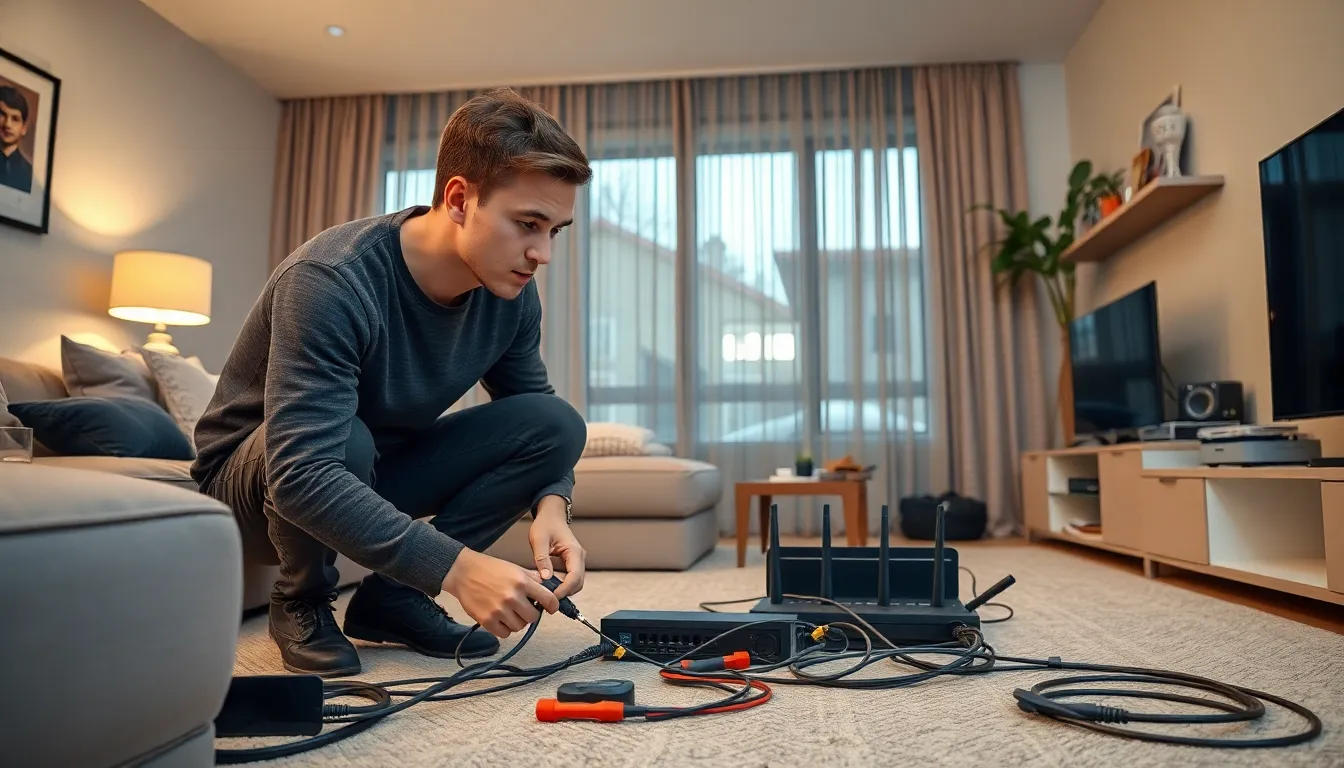
Home networks typically fall into two main categories: wired and wireless networks. Each type has specific characteristics and advantages suitable for different household needs.
Wired Networks
Wired networks utilize Ethernet cables to establish connections. These connections often guarantee higher speeds and lower latency, making them ideal for gaming and video streaming. Devices connected through cables benefit from reliable performance and stability. Common setups include a router connecting directly to computers, gaming consoles, and smart TVs, ensuring excellent data transfer rates. Installation usually requires running cables through walls or along floors, which can be more labor-intensive. Home networkers appreciate wired networks for their security, as physical connections reduce the risk of unauthorized access compared to wireless alternatives.
Wireless Networks
Wireless networks rely on Wi-Fi technology to connect devices. These networks offer convenience and flexibility, allowing users to connect smartphones, tablets, and laptops without cables. Coverage can vary depending on the router’s strength and home layout. Many opt for mesh networking systems to improve coverage across larger spaces. Wireless networks support multiple devices simultaneously, making them suitable for busy households. However, interference from walls and other electronics can affect performance. Security measures, such as WPA3 encryption and strong passwords, enhance wireless network safety against potential threats.
Essential Equipment for Home Networking
A robust home network relies on essential equipment. Each component plays a crucial role in ensuring seamless connectivity and effective performance.
Routers and Modems
Routers and modems serve as the backbone of any home network. The modem connects to the internet service provider, translating signals into a usable format. Routers distribute that internet connection to various devices within the home, serving as a central hub for data transfer. Many devices can link to the router simultaneously, facilitating activities such as streaming and gaming. For optimal performance, selecting a modem and router that support current internet speeds is crucial. Models equipped with dual-band technology aid in minimizing interference caused by multiple devices.
Switches and Access Points
Switches and access points enhance network functionality. A switch connects multiple wired devices, allowing them to communicate effectively while maintaining high-speed connections. This device is particularly beneficial in larger homes with various gadgets requiring stable internet. Access points, on the other hand, extend the network’s reach by distributing Wi-Fi signals to previously covered areas. Utilizing access points can significantly improve coverage, especially in challenging layouts or multi-story homes. Investing in affordable switches and access points ensures every corner of a home stays connected.
Step-by-Step Installation Process
The installation process for home networking involves several essential steps to create a reliable setup. Proper planning and device connections ensure optimal performance.
Planning Your Network Layout
Start with assessing the size and layout of the home. Identify areas with high device usage, such as living rooms and home offices. Mapping out locations for routers and access points enhances coverage. Consider potential obstacles like walls or furniture that may cause signal interference. Prioritize placing the router in a central location for even distribution of the Wi-Fi signal. Create a diagram for visual reference during installation. Estimate the number of Ethernet cables needed if opting for a wired network. This planning stage ensures a tailored setup that meets specific needs.
Connecting Devices
Begin by connecting the modem to the router using an Ethernet cable. Position the modem near the internet service entry point for the most efficient setup. Next, link devices to the router via Ethernet cables for stable connections, particularly for devices used in gaming or streaming. Choose wireless options for mobile devices and laptops to maintain flexibility. Access points or switches may be added to accommodate additional wired connections. Ensure all devices are powered on and configured to join the network. Verifying connections can enhance overall network performance and user experience.
Common Issues and Troubleshooting
Home networking can encounter various issues that affect connectivity and performance. Identifying these problems early ensures effective solutions.
Connectivity Problems
Devices may struggle to connect to the internet due to various factors. Poor router placement can obstruct signals, leading to weak connections. Interference from other electronic devices can also disrupt Wi-Fi signals. Ensure the router is positioned centrally and away from obstacles. Network congestion becomes an issue when multiple devices access the network simultaneously. Reducing the number of connected devices or using a wired connection can alleviate this. Router settings might require adjustments as well, including restarting the router or changing the Wi-Fi channel to minimize interference.
Performance Issues
Unexpected slow speeds often frustrate users. Bandwidth limits occur when numerous devices use high-speed applications simultaneously. To address this, consider prioritizing devices that require more bandwidth through Quality of Service (QoS) settings. Additionally, outdated firmware can contribute to poor performance. Regularly updating router firmware ensures better security and speed. Another aspect affecting performance involves signal range. Weak signals in larger homes necessitate additional access points or mesh systems that expand coverage. Checking for software updates on connected devices can further improve connectivity and speed.
A well-structured home network is essential for navigating today’s digital landscape. By understanding the components and installation process, anyone can create a reliable setup that caters to their specific needs. Prioritizing security and regular maintenance will ensure ongoing performance and protection against threats.
Investing time in planning and selecting the right equipment pays off in enhanced connectivity and user experience. With the right approach, transforming a complex puzzle into a seamless network is entirely achievable. Embracing these strategies will lead to a smarter home that supports all online activities effortlessly.