





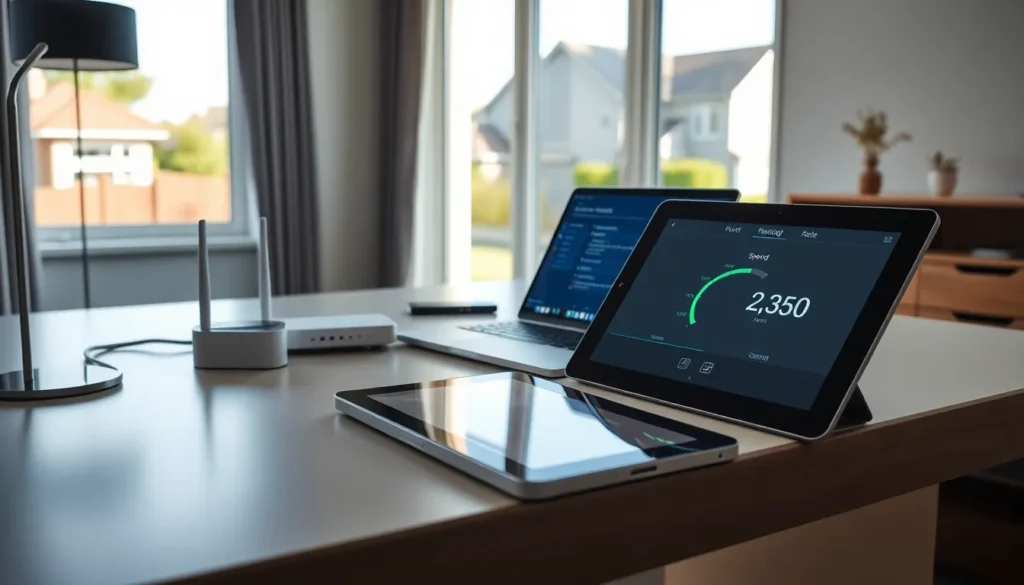
Establishing a home networking setup can feel like decoding the Matrix, intimidating, yet oddly thrilling. From buffering videos to mysterious outages, a reliable home network is essential for our day-to-day digital lives. With a sprinkle of humor and a pinch of expertise, let’s leap into the interconnected world of routers, cables, and Wi-Fi signals. By the end of this article, you’ll know how to make your network work for you, just like a personal assistant that never forgets to deliver your pizzas on time.
Understanding Home Networking Basics
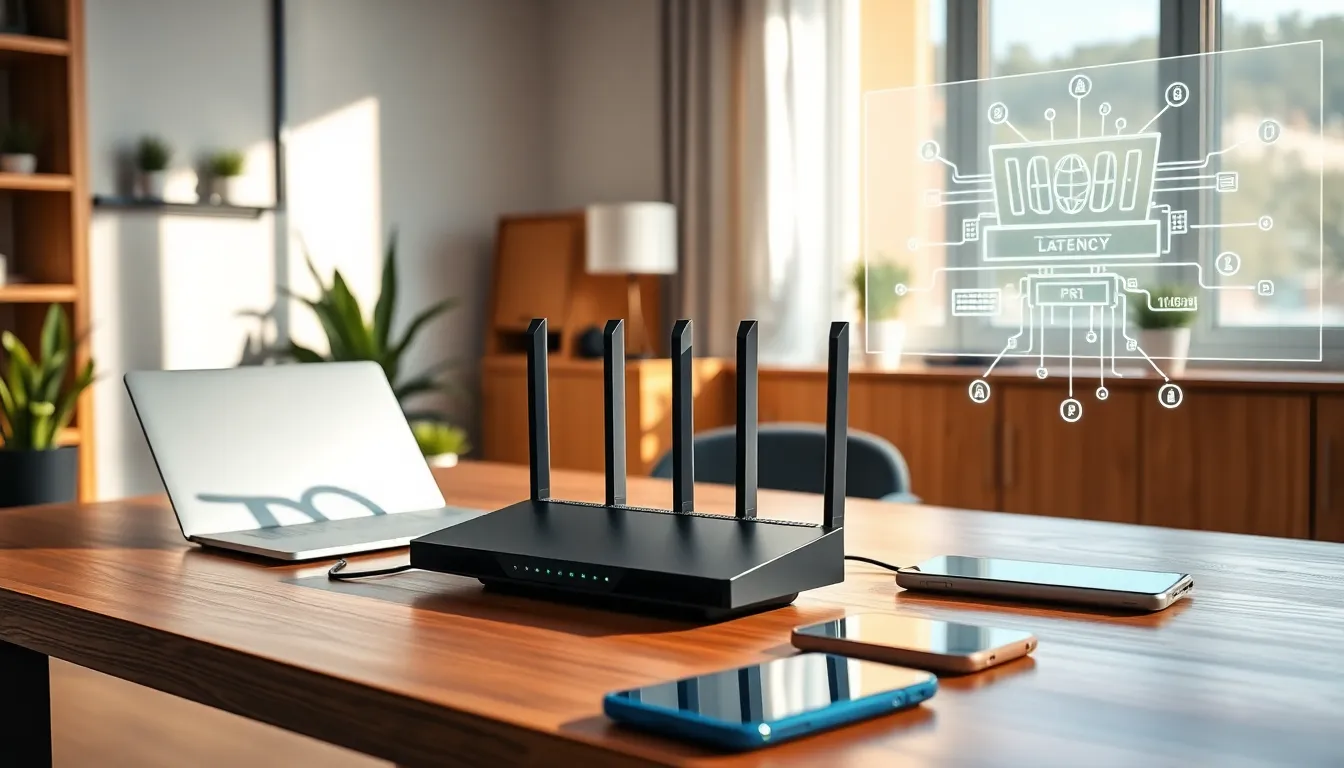
Home networking involves connecting multiple devices within a household, allowing them to communicate and share resources. It typically consists of hardware components like routers, modems, and switches, often leading to a delightful dance of data transfer. Without a solid understanding of networking fundamentals, setting up a home network may feel akin to assembling IKEA furniture without the instructions. It’s essential to grasp basic terms such as bandwidth, latency, and IP addresses: all these factors play a critical role in achieving optimal performance. Think of bandwidth as the width of a highway, more lanes allow for greater traffic, leading to smooth travels for your data bundles.
Components of a Home Network
A typical home network is built from several core components. Here’s a brief rundown that your next dinner guest won’t find boring:
- Modem: This essential device connects your home to the Internet Service Provider (ISP), translating signals back and forth. Think of it as your gateway to the web.
- Router: Often confused with the modem, a router creates a local network, allowing multiple devices to share that precious internet connection. It also provides the means for Wi-Fi access.
- Switches: While routers connect multiple devices wirelessly, switches connect them through Ethernet cables. They’re the behind-the-scenes coordinators, ensuring everything runs smoothly.
- Access Points: These extend the wireless network range, which is crucial for larger homes or those with Wi-Fi dead zones. No one wants to be flowing in and out of weak signals akin to a bad romantic comedy.
- Cables: Ethernet cables, coaxial cables, and fiber optics, each plays a role in ensuring solid connections and speed. Choosing quality cables can be as significant as picking the right wine to pair with your steak.
Choosing the Right Internet Service Provider
When selecting an ISP, it’s akin to picking a restaurant. Many options exist, yet prioritizing reliability and speed is vital. Check for options like fiber, cable, or DSL services in your area. Fiber optics are known for their speedy connections, while cable may offer a more budget-friendly alternative. It’s also helpful to read reviews and check for hidden fees or data caps that could impact your network performance down the line. Consider your usage too, if binge-watching shows is your thing, aim for a provider with plans that can handle high data transfer without hiccups.
Setting Up Your Home Network
Setting up your home network can be an adventure, but it’s also a straightforward process if you follow a few steps:
- Connect the Modem: The modem needs to link to a power source and connect to the wall outlet, which is where the magic of the Internet starts.
- Link the Router: Using an Ethernet cable, connect the modem to the router. This will distribute the Internet connection across the network.
- Power on the Router: Once everything is connected, power on your router and let it boot up. You’ll usually see LED lights that indicate connectivity.
- Access the Router’s Interface: Use a web browser to access the router settings using its IP address (typically found in the manual).
- Configure Settings: Adjust Wi-Fi settings such as network name (SSID) and password. Ensure they are memorable yet secure to maintain a strong barrier against unwanted guests.
Securing Your Home Network
Security is paramount in the digital age. Think of your home network like a fortress: you wouldn’t leave the gates wide open, would you? Here are a few ways to fortify your setup:
- Change Default Credentials: Many routers come with basic usernames and passwords that the world knows. Change these immediately to keep unwanted visitors at bay.
- Use a Strong Wi-Fi Password: Opt for a complex password combining letters, numbers, and symbols. Make it difficult to guess, like the mystery of who actually gives their dog a middle name.
- Enable WPA3 Security: This is the latest Wi-Fi security protocol. If your router supports it, use it for enhanced encryption, providing a significant upgrade in safety.
- Regular Updates: Keep the router’s firmware updated to protect against vulnerabilities. It’s like giving your digital fortress a fresh coat of armor to defend against the latest threats.
Troubleshooting Common Network Issues
Even the best home networks can experience hiccups from time to time. Here’s a quick guide to troubleshooting:
- Speed Issues: If your Internet feels sluggish, start by checking your devices. Limit the number of connected devices and consider rebooting the router for a refresh.
- Limited Connection Range: If the Wi-Fi signal doesn’t reach certain areas of your home, consider relocating your router or adding access points. The goal is to create a strong signal that dances through walls.
- Interference Troubles: Household devices can interfere with a Wi-Fi signal. Microwave ovens and cordless phones often disrupt signals: relocating them might just do the trick.
- Device-Specific Problems: If one device struggles while others run smoothly, it’s often not the network at fault. Restarting or resetting network settings on the troubled device may resolve the issue.
Future-Proofing Your Home Network
As technology advances, so should your home network. Future-proofing it can save headaches in the long run. Here are some ways to consider:
- Invest in Quality Equipment: Choose routers and switches that support the latest standards. A good quality router can handle greater traffic and connections, making you feel like a tech-savvy wizard.
- Support for IoT Devices: With the rise of smart devices, ensuring your network can handle multiple IoT devices is crucial. Choose routers that prioritize connections and provide seamless operation.
- Plan for More Devices: Anticipate your needs. Purchase equipment that offers scalability to accommodate future devices without slowing down performance.