





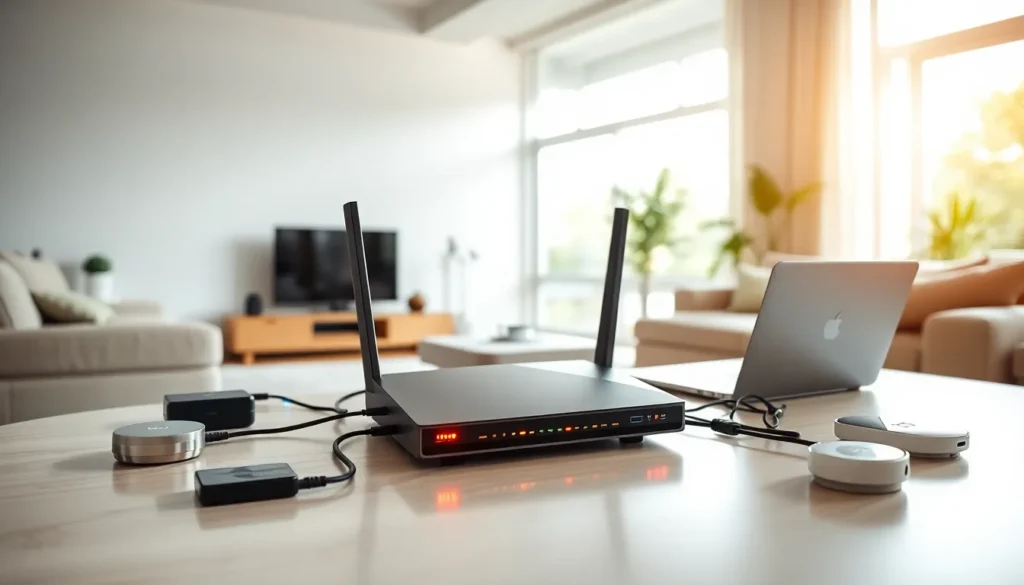
In today’s hyper-connected world, a strong home network isn’t just a luxury, it’s a necessity. Imagine trying to binge-watch your favorite series or join an important video call while your Wi-Fi sputters like an old car engine. Frustrating, right? Home networking solutions are here to save the day. Whether you’re a tech wizard or someone who still thinks ‘bandwidth’ refers to a music festival, this guide will break down everything you need to know about setting up, maintaining, and optimizing your home network. So grab a cup of coffee and let’s untangle the web of wireless technology.
Understanding Home Networking Basics

Home networking forms the backbone of modern living, connecting devices like computers, smartphones, smart TVs, and printers. At its core, a home network uses either wired or wireless means to enable communication among these devices. Think of it like a neighborhood where every house represents a device, and the pathways connecting them are either cables or Wi-Fi signals. To set up a functional home network, one needs to understand key concepts such as IP addresses, which act like home addresses for each device, and the role of routers, which serve as traffic directors. Understanding these basics helps in troubleshooting and enhancing network performance.
Types of Home Networking Solutions
When considering home networking solutions, it’s crucial to know that there are two primary types: wired and wireless.
1. Wired Networking Solutions
Wired solutions use Ethernet cables to connect devices directly to the router. This method offers unparalleled speed and reliability, perfect for online gaming or streaming high-definition content. A drawback? The need for physical cables can clutter your space. But, the benefits often outweigh the aesthetic downsides, especially in homes with multiple devices demanding bandwidth.
2. Wireless Networking Solutions
On the flip side, wireless solutions provide the ultimate convenience of mobility. With Wi-Fi routers broadcasting signals, devices can connect without being tethered by cables. Modern routers also support multiple connections and offer decent speeds suitable for everyday use. Still, they come with potential issues such as signal interference or dead zones, particularly in larger homes.
Choosing the Right Router
Selecting the right router can feel overwhelming, given the plethora of options available. Factors to consider include the size of your home, internet plan speed, and the number of devices connected. For large homes or multiple users, a dual-band or tri-band router can distribute bandwidth more evenly. Consider a mesh network if dead zones are a concern: this system uses multiple units to extend coverage, ensuring a strong signal throughout your space. Don’t forget to factor in the router’s security features, like WPA3 encryption, to safeguard your data.
Improving Network Security
Security should be a top priority when establishing a home network. An unprotected network can be an open invitation for cybercriminals. Begin by changing the default login credentials for your router, a simple step that many overlook. Be sure to enable WPA3 encryption, which is currently the most secure protocol available. Regularly updating your router’s firmware is also essential, as these updates patch vulnerabilities that might be exploited. Using strong, unique passwords for each connected device adds an extra layer of protection against unauthorized access.
Troubleshooting Common Networking Issues
Even with the best systems in place, networking issues can arise. A common frustration is slow or unstable connections, often caused by interference from other devices or physical obstructions like walls. Restarting your router often resolves these problems, but if issues persist, check for overloaded bandwidth by disconnecting unused devices. Also, employing a Wi-Fi analyzer can help identify dead zones or interference sources in your home. Networking tools and applications are available to assist in diagnosing more complex issues, making the troubleshooting process more manageable.
Future Trends in Home Networking
The landscape of home networking is ever-evolving. Emerging technologies like Wi-Fi 6 promise not just faster speeds but improved efficiency in crowded environments. With an increasing number of smart home devices, seamless integration becomes crucial. Concepts like the Internet of Things (IoT) are shaping the future, connecting everyday household items to the internet. Also, cloud-based networking solutions are on the rise, allowing remote management of home networks and enhanced security features. Keeping an eye on these trends will help homeowners make informed decisions about future upgrades.