






Junk mail on an iPhone can feel like that one friend who just won’t take the hint to stop texting. It clutters up inboxes and distracts from the important messages that actually matter. If you’ve ever found yourself scrolling through a sea of unsolicited offers and bizarre promotions, you know exactly what we’re talking about.
Understanding Junk Mail
Junk mail consists of unsolicited messages cluttering inboxes. These messages often include promotional offers, advertisements, and other non-essential communications.
What Is Junk Mail?
Junk mail refers to unwanted emails that can distract users from significant correspondence. It usually involves bulk messages sent by companies or spammers. Specific characteristics of junk mail include mass distribution, generic content, and requests for personal information. Common examples include sales promotions, newsletters from unfamiliar brands, and phishing attempts.
Why Is Junk Mail a Problem?
Junk mail poses multiple issues for iPhone users. It occupies storage space, making it harder to locate essential emails. Frequent notifications from junk mail can divert attention from important messages. Users may also inadvertently click on malicious links in phishing emails, compromising privacy. The frustration of consistently deleting junk messages adds to the overall annoyance. Each of these factors contributes to a less efficient emailing experience.
Techniques to Stop Junk Mail on Your iPhone
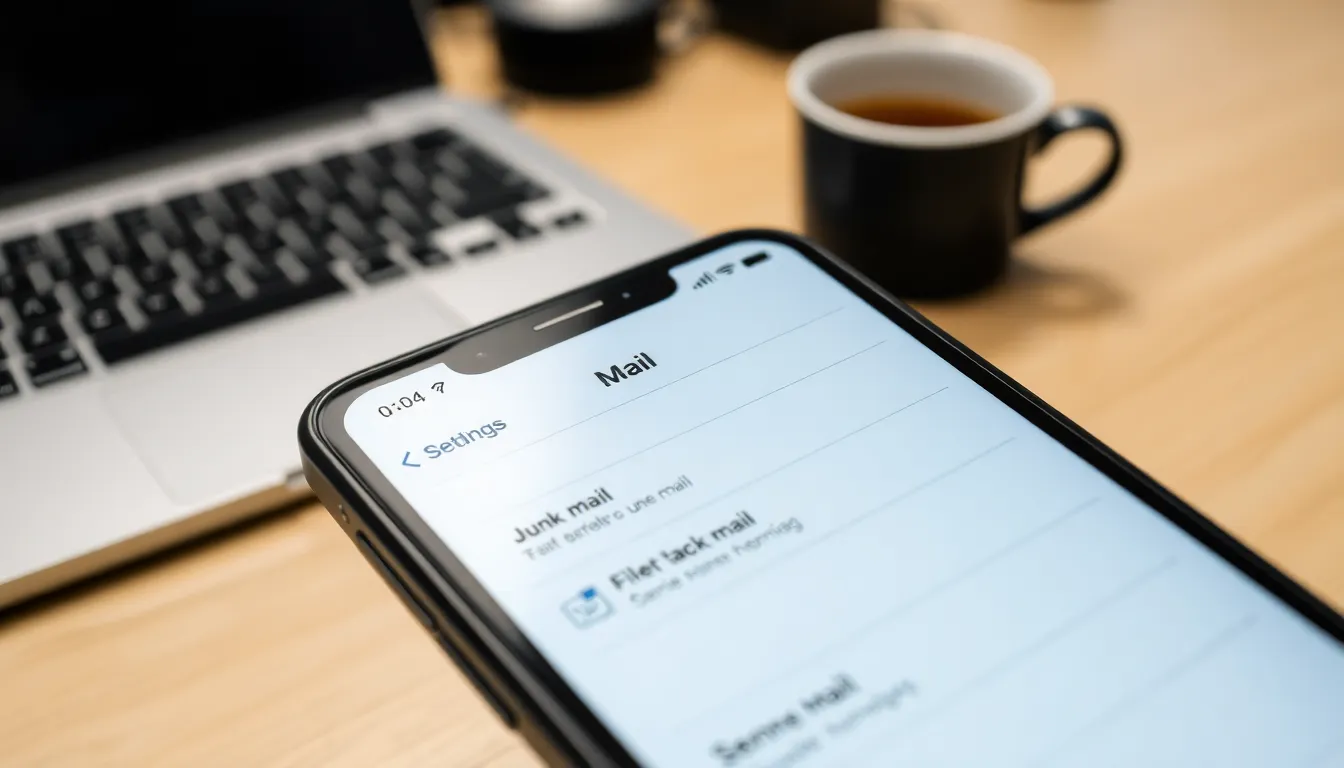
Various methods exist to significantly reduce junk mail on iPhones. Implementing these techniques enhances email clarity and efficiency.
Adjusting Mail Settings
Start by accessing the Settings app on the iPhone. Scroll down to Mail and tap on it. Under the Mail section, select “Privacy Protection” to ensure that hide my email is enabled. This prevents advertisers from collecting personal information. Additionally, turn on “Filter Unknown Senders,” which directs emails from non-contacts to a separate folder. Doing this streamlines inbox organization by separating important messages from junk. Moreover, activating notifications for only VIP contacts prevents distractions from unsolicited emails.
Using Filters and Blocklists
Utilizing filters proves effective in managing junk mail. Go to the Mail app and navigate to your inbox. From there, select an email from an unwanted sender. Tapping the “Move to Junk” option helps train the system to recognize similar emails in the future. Furthermore, exploring the “Blocked” option allows users to prevent specific email addresses from sending messages. By doing this, unwanted emails no longer clutter the inbox. Lastly, consider reviewing and updating filter settings regularly to maintain a clean email experience.
Additional Tools and Apps
Numerous tools exist to help manage junk mail on iPhones and improve the email experience.
Third-Party Apps for Junk Mail Management
Third-party apps enhance junk mail management capabilities. Programs like Unroll.Me streamline inboxes by allowing users to unsubscribe from multiple mailing lists with one click. Another option, Mailstrom, offers advanced filtering options that enable users to bulk delete junk mail based on specific criteria. Cleanfox provides insights into email subscriptions, allowing users to see which newsletters they engage with and which to unsubscribe from. Implementing these applications can significantly reduce unwanted emails, making inbox management more efficient.
Built-In iPhone Features to Combat Junk Mail
iPhone includes several built-in features designed to combat junk mail. Users can activate “Filter Unknown Senders” to automatically sort emails from unknown contacts into a separate folder for easier management. Additionally, the “Hide My Email” feature creates unique email addresses for sign-ups, preventing advertisers from accessing the primary email address. Finally, utilizing VIP Contact Notifications ensures users only receive alerts for important emails, minimizing distractions from unsolicited messages. Leveraging these features strengthens control over incoming messages and reduces junk mail effectively.
Best Practices for Preventing Junk Mail
Implementing effective strategies helps maintain a clean inbox on an iPhone. Prioritizing subscription management and avoiding risky networks can significantly reduce junk mail.
Managing Subscriptions
Users should regularly review their email subscriptions. Unsubscribing from newsletters or promotions that no longer provide value eliminates unnecessary clutter. Utilizing built-in unsubscribe features within emails streamlines this process. Bookmarking emails from known sources also enhances control over subscriptions. Taking advantage of third-party tools, such as Unroll.Me, simplifies bulk unsubscription. Ensuring personal information remains private during sign-ups reduces future junk mail exposure. Deleting accounts with persistent promotional emails offers further inbox clarity.
Avoiding Public Wi-Fi for Sensitive Actions
Using public Wi-Fi networks can expose users to numerous risks. Public connections are often unsecured, leaving personal data vulnerable to hackers. Avoid accessing sensitive email accounts while connected to these networks to protect against potential breaches. Utilizing a VPN provides an additional layer of security when checking emails. Higher-level privacy is achieved by ensuring all important transactions occur over secure and trusted networks. Prioritizing personal data safety aids in preventing junk mail generated from compromised accounts. Adopting these practices encourages safer email management on an iPhone.
Managing junk mail on an iPhone doesn’t have to be a daunting task. By implementing the strategies discussed users can significantly reduce unwanted emails and regain control of their inboxes. Adjusting settings like “Hide My Email” and “Filter Unknown Senders” offers a proactive approach to minimizing distractions.
Utilizing third-party apps can further streamline the process making it easier to unsubscribe from unwanted lists. Regularly reviewing email subscriptions and practicing good habits online will enhance overall email efficiency. With these tools and techniques in place users can enjoy a cleaner inbox and focus on what truly matters, ensuring that important messages aren’t lost in the clutter.